🗃️ Topic Mode
You can use ModularBot in two different ways:
With activated "Topic Mode"
Without activated "Topic Mode"
By activating Topic mode you will be able to divide the messages of each of your customers into specific 1-1 chats, allowing you to manage conversations much more efficiently.
Furthermore, with the Topic mode you can take advantage of all the features of the feedback module, taking advantage of the so-called Spam topic.
When enabled, the bot will create different topics in your forum. These are divided into "System Topics" and "1-to-1 Chat Topics". The Topics are:
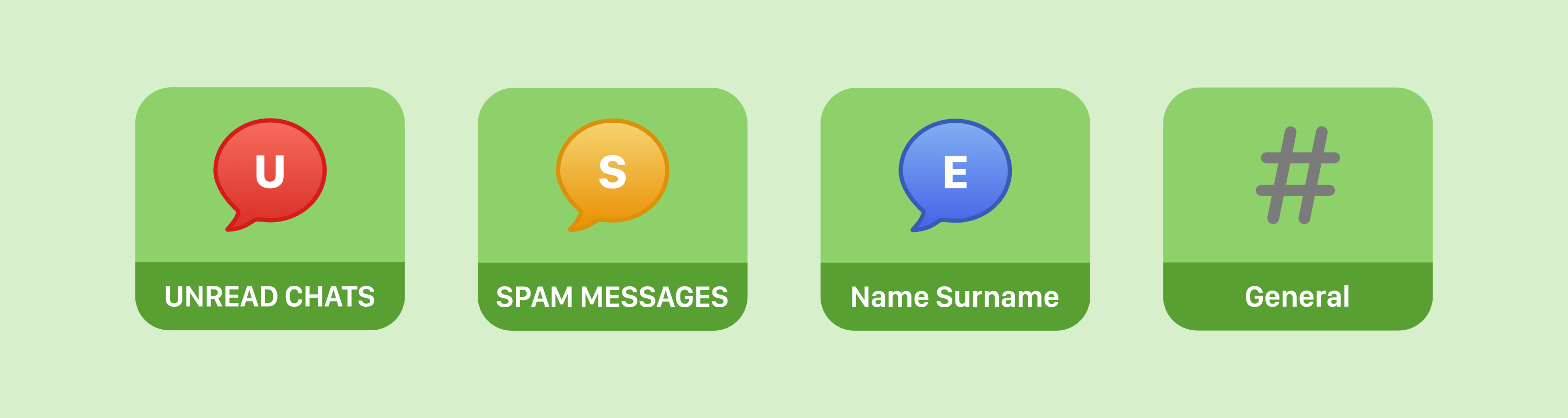
UNREAD CHATS
Here, the bot sends some user information (such as ID, name, language, etc.) and also adds the Read ☑️ and Ban 🚷 buttons, and if there is already a chat with the user, it also adds a Conversation 📃 button with a link to the conversation.
This way, you have all the information you need to deal with the request and take action quickly, and all in one place!
SPAM MESSAGES
The bot has an integrated spam filter feature. If it detects spam content in requests, it sends the request to the this topic.
This way, you can easily keep an eye on the unwanted messages and take action. No more cluttered inbox!
1-to-1 Chat Topics
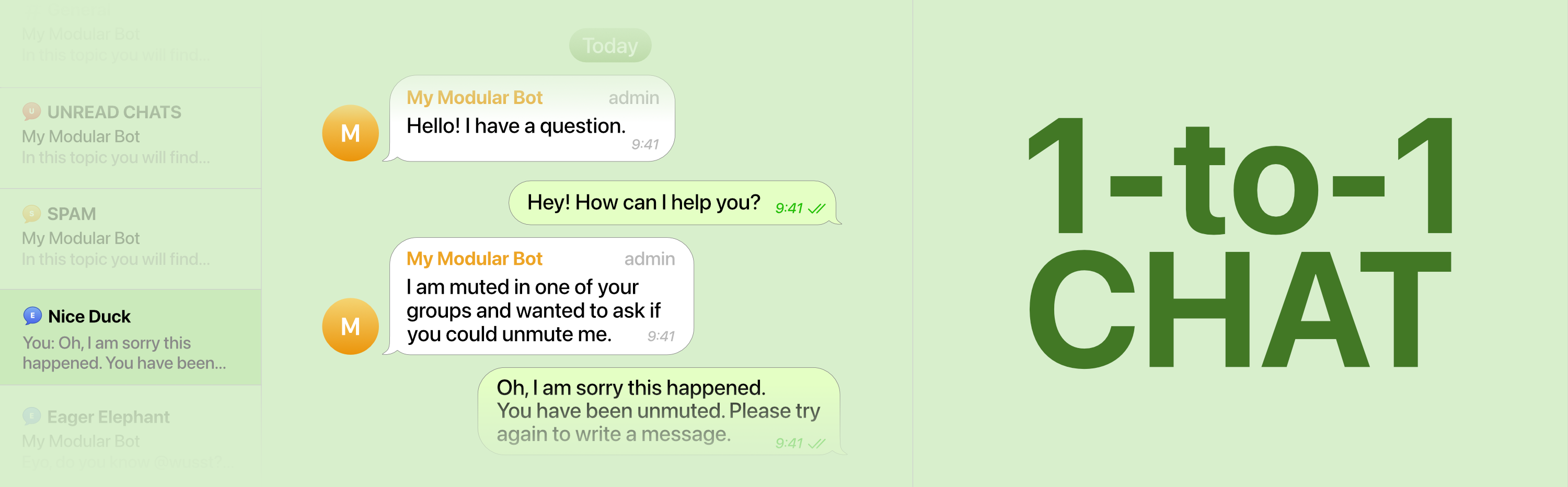
The 1-to-1 Chat Topics are like a personal conversation with the user, but with the bot stepping in to manage the messages. If a new user contacts you, the bot will automatically create a new topic with the user's name. This way, you and your team can easily keep track of all your conversations and make sure nothing falls through the cracks. Plus, it's a great way to provide personalized support to each user separated:
General
This topic is created by Telegram itself and serves as the central topic for things like Telegram service messages and things not related to a specific topic. This topic is not used by ModularBot.
Comparisons
Feature | Topic Mode: ON | Topic Mode: OFF |
|---|---|---|
Chatting system | 1-1 thanks to specific topic per user | Single bot chat for all users |
Receivers | All members of the topic group | All admins of the bot |
Feedback Filters | Filter and Block options available | Only block action |
If you decide not to use topic mode, the mode must be deactivated both in the group and in the bot (Feedback module -> Topic mode). The bot will then leave the group and only operate in individual chats.
Activate Topic Mode
First of all let's create a Telegram group; subsequently we will activate the topic mode in our bot by going to the main menu, pressing on "Feedback module" and on "Topic mode":
We then press on "Enable Topic mode" and the bot will lead us through the configuration process.
In case your bot gives an error saying it does not have “Manage Topics” rights, try removing the right and adding it again.
Once the wizard has been completed we will have our group configured in topic mode with our bot inside: