📁 Menu Module
The module to build menus and submenus of your bot step by step, making it completely interactive!
You need at least the 🔴BASIC plan to use this module.
Let's see how:
The starting point is the configuration of the Start message, that is, deciding what the user will see when he starts our bot.
Subsequently we will have to create one or more buttons that will send the user to the respective menus.
We can see in the highlighted part that to create a button that refers to a menu you need to send the following syntax to the bot:
Button text - menu: Menu name
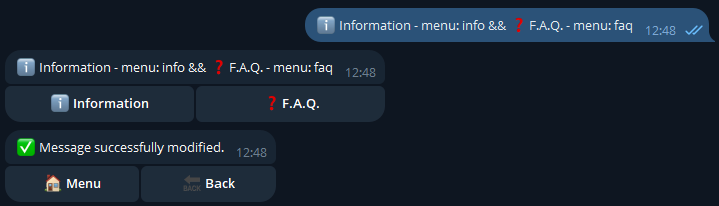
So let's see how the initial menu now appears to our users:
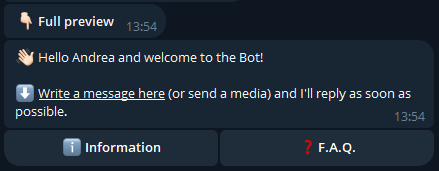
Now that we have created the buttons necessary to open the menus, let's proceed to customize them:
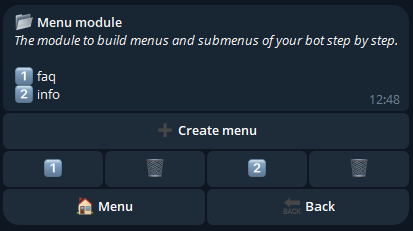
We can see that the two menus relating to the two buttons just created have already been automatically created. So let's start with the customization of the first one:
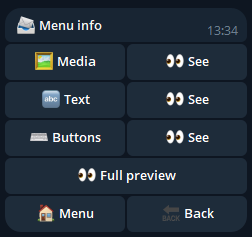
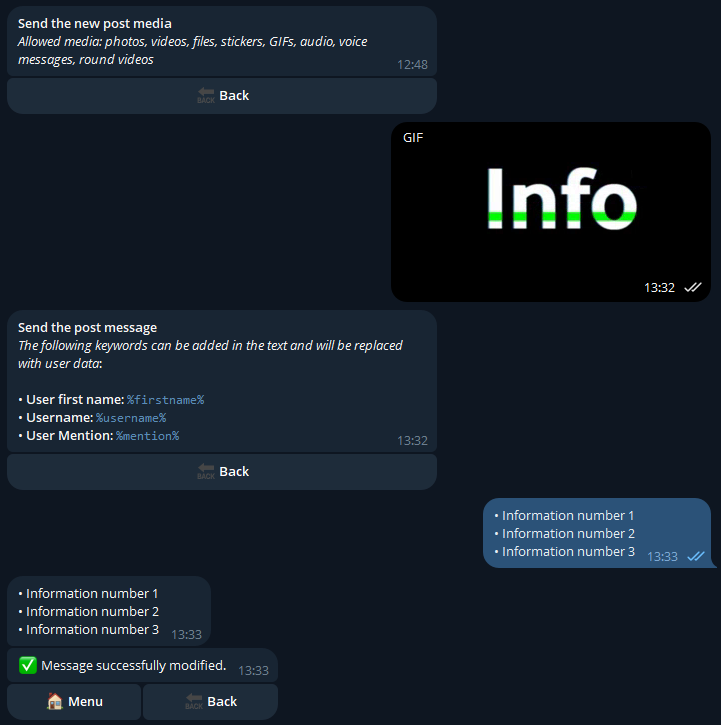
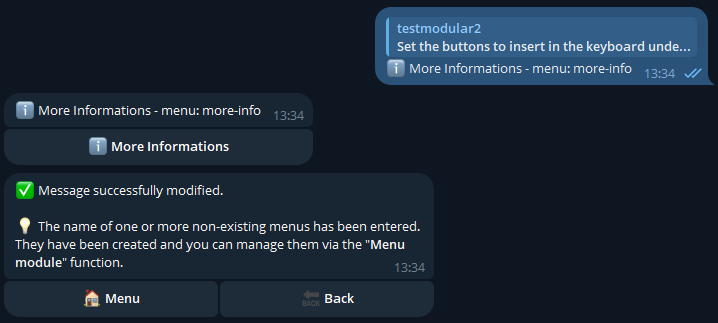
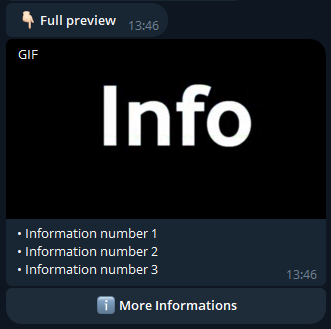
From the info menu configurations we have inserted a Gif, a text and a button into our menu. The inserted button is an additional menu button, which will therefore allow users to access the more information submenu.
So let's see how our Information menu will appear to users:
Lastly, let's go back to the main menu of the Menu Module:
We can see that the more-info submenu has also been created, so let's customize this one too:
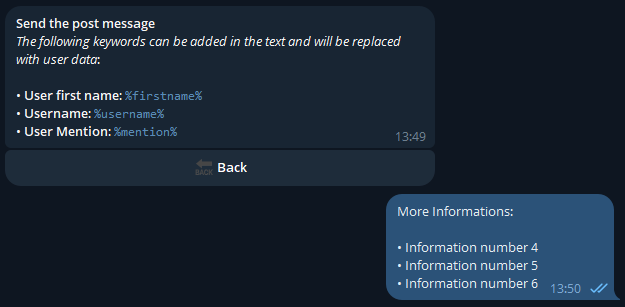
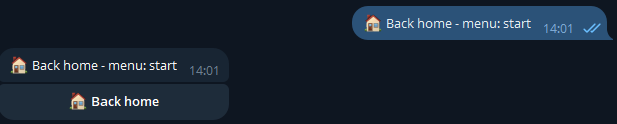
For this submenu we have configured a special button, which allows you to return to the initial menu of our bot, using the syntax: Button name - menu: start
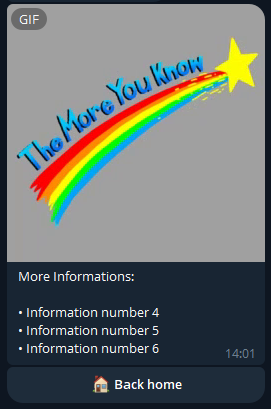
We then made our bot interactive by creating a navigation flow: