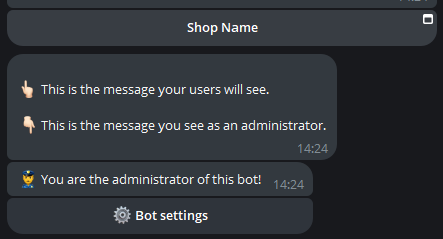
✅ Make the shop visible
Test your shop
To privately test your store (without entering a payment method), you can press on the corresponding button in your bot:
This test is only available to you. To enable the store for your users, read below.
To make the shop visible to customers, you need to create a button in the bot that allows you to launch it.
Before making the shop visible you must have enabled at least one payment method.
For Crypto and Telegram, a Real token must have been entered.
Before continuing, make sure you have purchased Shop Credits!
After pressing on “Start message” in the configuration menu of our bot, we press on “Buttons”:
We then send the wording Shop name - shop to the bot (replace “Shop name” with your shop name):
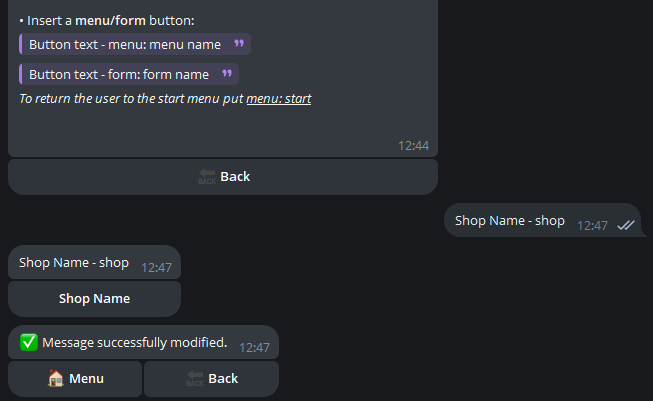
Finally, by typing the /start command it will be possible to check whether the button has been created correctly: