🔸 Rewards
The Reward of a product is what we actually want to sell to customers, such as a photo or video, a secret code, or access to a Telegram channel/group.
The customer will receive the reward after completing the purchase of the related product.
There are three types of Rewards:
It is not recommended to change the type of reward and in general to modify its content. Instead, we recommend creating a new product to which you can assign the new reward, and then deleting the old one following this procedure.
Single
The Single Reward consists of adding a text and/or media via the management system which will be automatically sent to the customer once the purchase is completed.
It is further divided into four options
Text: a message that will be delivered to the customer.
Image: it is possible to insert an image and/or a caption (text) following these instructions: the chosen image must have a size no greater than 10 MB and must have a format between the following: "jpeg", "jpg" , "png". Furthermore, the sum of pixels in height and width must not exceed 10000.
If the image you want to send does not fit the specifications above, you can send it as a FileFile: any file type
Video: any type of video
As regards File and Video cases, it will be necessary to send such media to a specific section of the bot accessible by pressing the button indicated below:
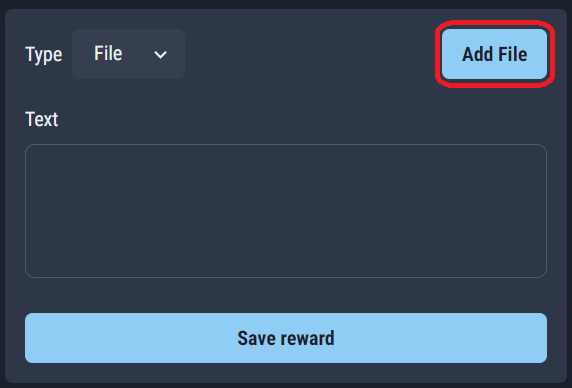
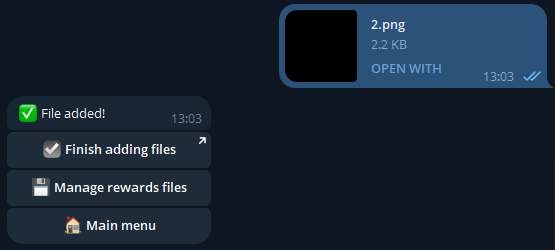
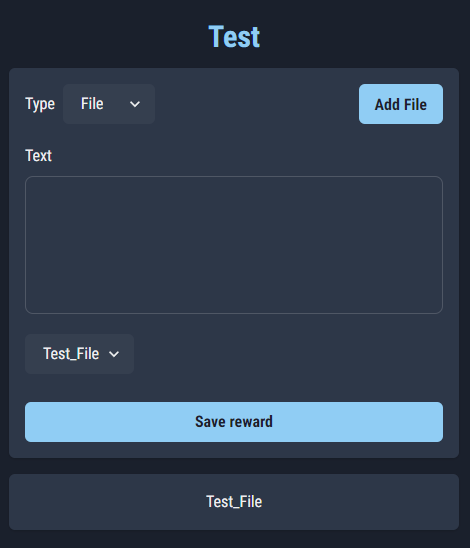
Once you arrive at the bot you will need to press "Start" and follow the procedure. After sending the file, simply press "Finish adding file" to return to the management system and verify that the file has been associated with our reward:
Multiple
Multiple Reward can be used to sell groups of unique codes associated with something, such as a gift card or discount code.
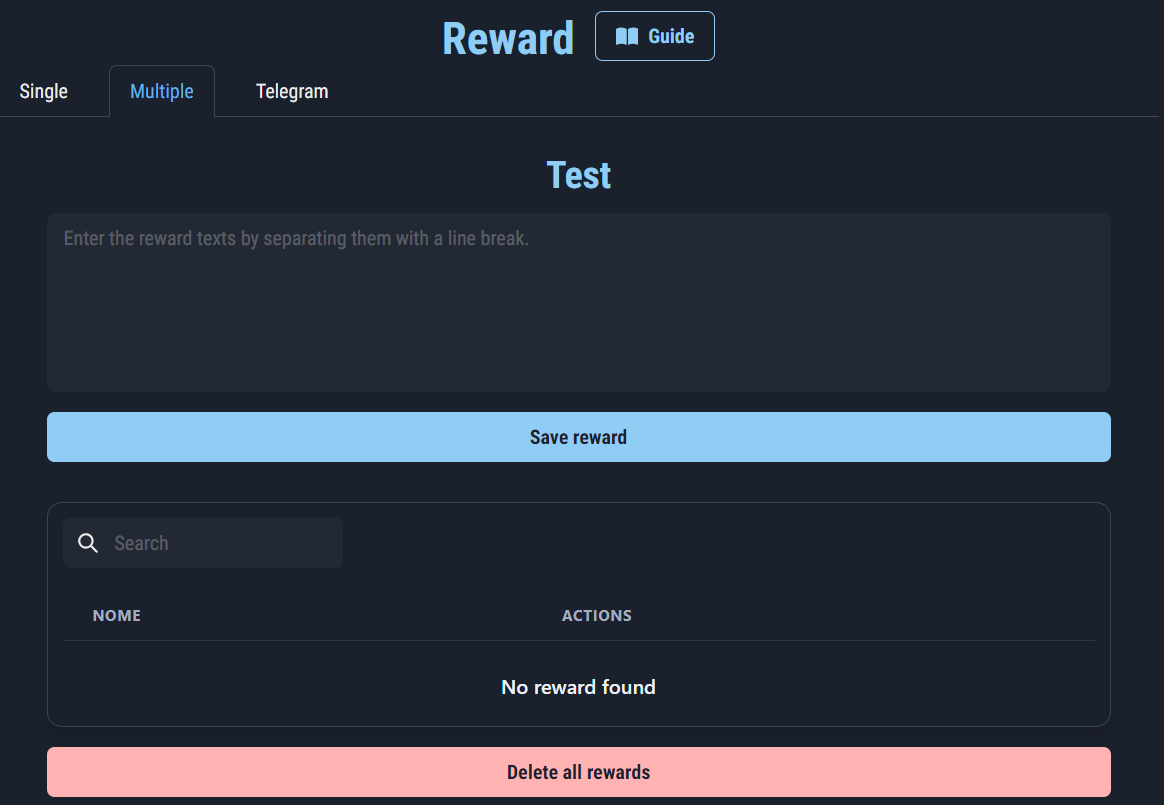
To add a list of codes, simply paste it into the appropriate area, separating each of them with a newline.
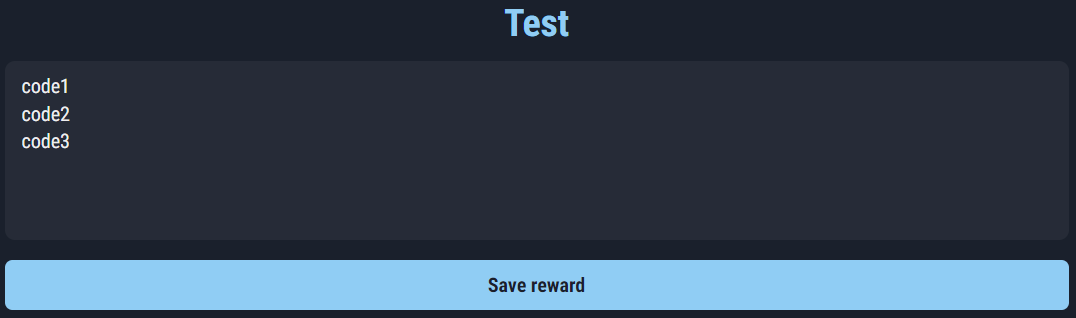
Once you press "Save reward", we will be able to verify the correct insertion using the table below:
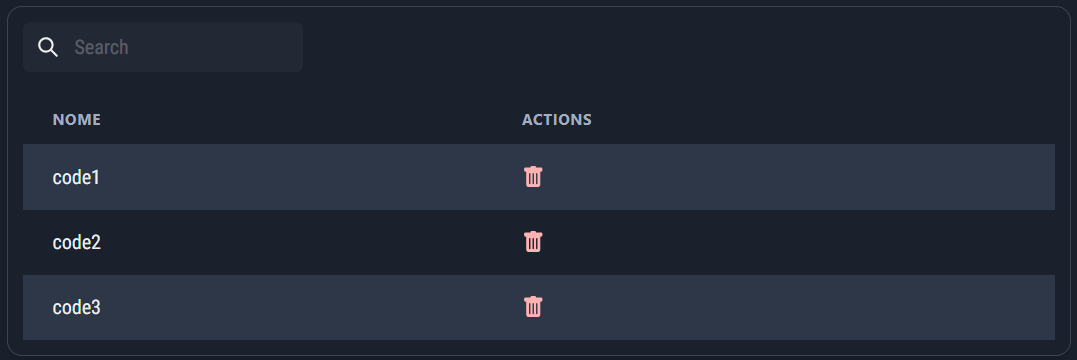
To add new codes, simply repeat the procedure just described.

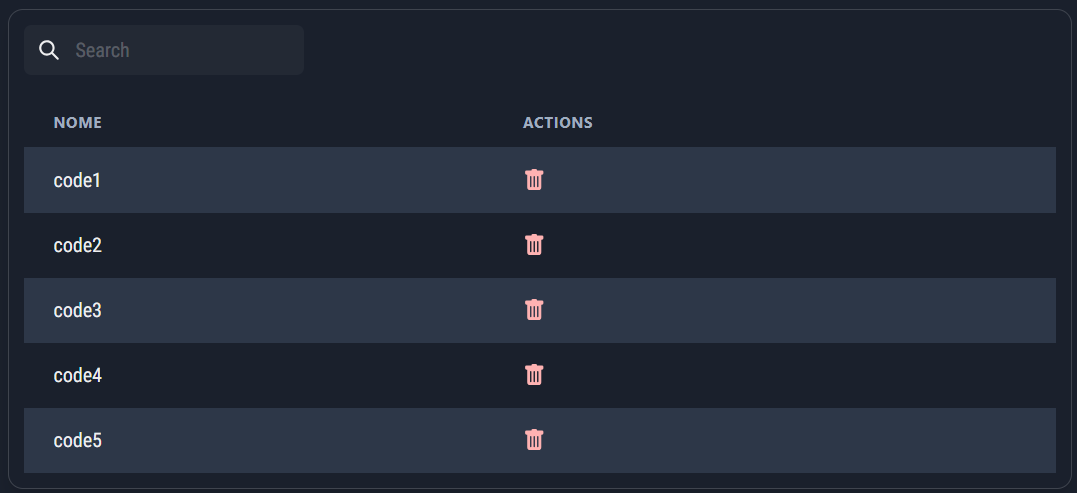
Finally, it is possible to delete a specific code by searching for it using the search bar, or delete them all using the appropriate button.
Telegram
Telegram Reward can be used to sell customers access to a Telegram Group or Channel.
Before recovering the chat link it is important that the bot has been added to it and that it has default permissions.
To retrieve the link, simply press or hold on any message in the chat and select "Copy link".
As shown in the image, it is possible to manage access to two chats at the same time, for example a channel and its related discussion group.
Once you have entered the link you will be able to choose the duration of access to the chat:
Unlimited
Timed
If the Timed duration is selected, it will also be necessary to select the number of months relating to the chat access time. When the time expires the user will be warned that they must regain access, otherwise they will be expelled and will not be able to access it again.