⚙️ Settings
To make the most of the bot's features, it may be useful, depending on the case, to activate some of the settings available with Channel Help:
Default reactions
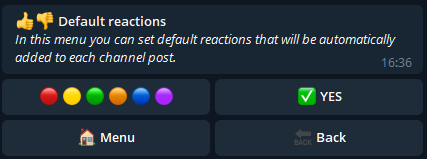
This setting allows you to choose reactions that will be automatically added to each post you create in Create post depending on the selected channel.
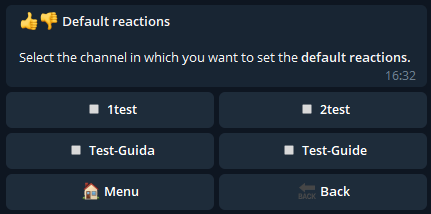
In fact, in the first step the bot asks for which channel we want to set the default reactions.
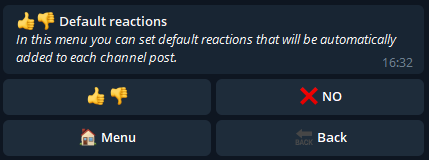
After selecting the channel we come to the main menu of default reactions.
We can then press "NO" (which will then become "YES") to activate them and ensure that they are automatically added in the future:
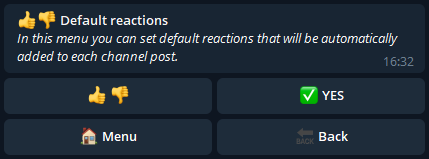
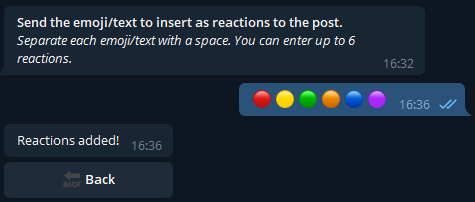
Furthermore, by pressing on the left button it is possible to customize the reactions by sending a text or an emoji for each, separating them with a space (maximum six reactions).
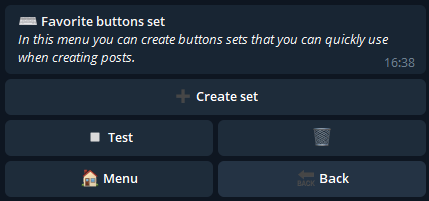
Favorite buttons set
A favorite button set is a set of buttons that can be created and saved in this Channel Help setting.
In this way you will be able to create buttons that you usually use for your posts and add them when needed without having to recreate them.
Each set can be added to any post created with the Create Post feature or with the Multipost feature.
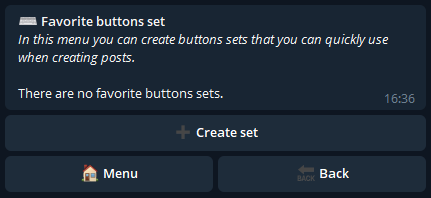
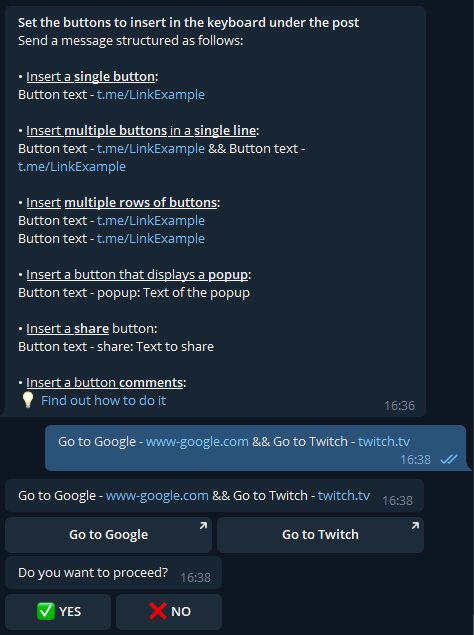
As soon as we get to the menu we can create a set by sending buttons as explained here:
After proceeding, the bot asks you to give the newly created set of buttons a name, so that it can be recognized in the future:
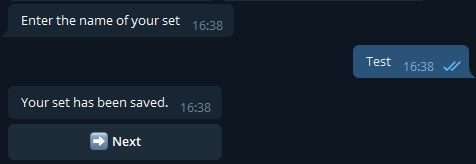
You will then be able to edit or delete the created sets from the main setup menu.
Favorite channels set
If you need to send the same post in multiple channels and want to speed up the selection process of the latter, this setting is what you are looking for.
Favorite channels set allows you to create a set of channels which will then be used to send each post created with the Create post feature.
Instead of manually selecting each channel where the post is to be sent each time, you can create a channel set in the settings and select it when you submit.
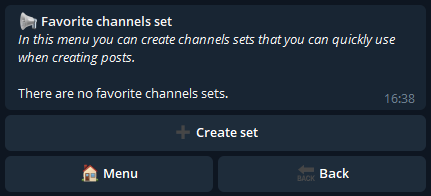
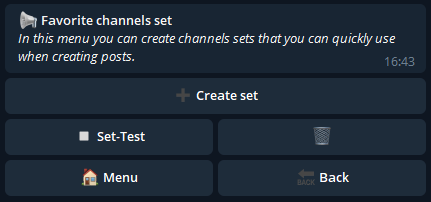
We then click on "Create Set" to create one:
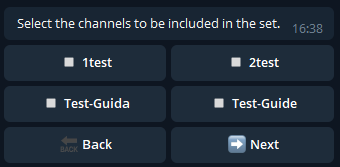
Now let's select the channels we want to be part of the set:
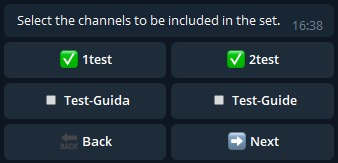
Then click on "Next" and choose a name for the set:
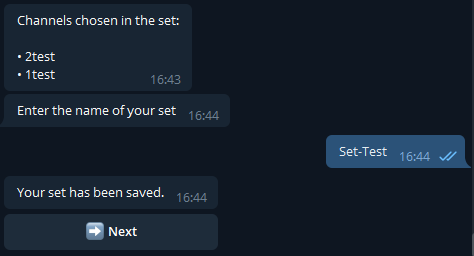
After creating a set it will be possible to modify it at any time or delete it from the main setting menu.
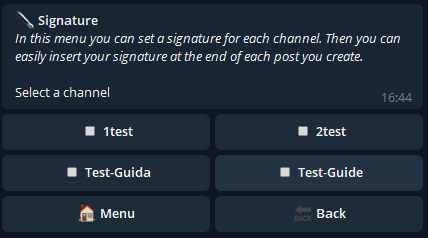
Signature setting
With this setting it is possible to create a signature for the selected channel, that is a text of up to 250 characters that can be added to the end of each post created with the Create post feature or with the Multipost feature.

We then create the signature for the selected channel:
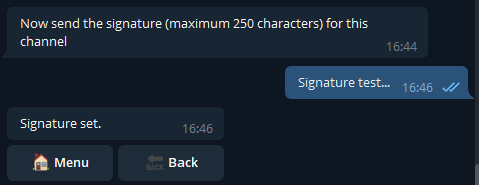
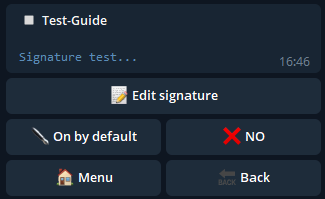
Once the signature has been sent, it will be possible to modify it or decide whether to keep it active by default, or if it must already be active when we arrive in the final step of creating a post.